
Roku doesn't have a reliable native IPTV app, so the simplest way to watch is to screen-mirror or cast from your phone, tablet or PC. For a better experience, a Firestick or Android box is worth considering.
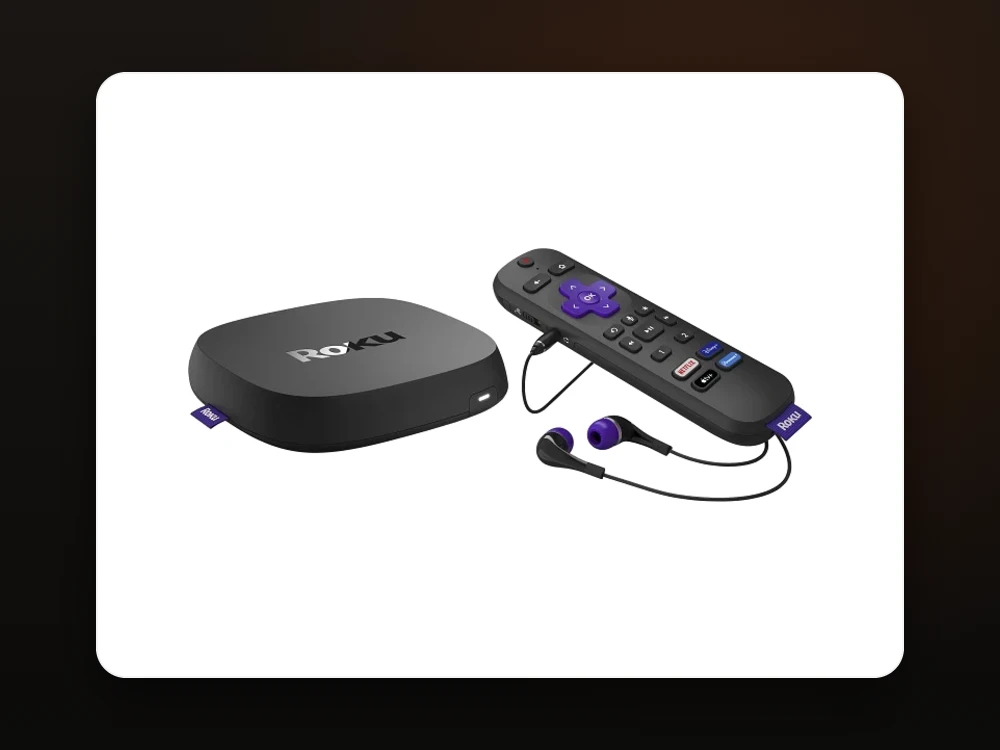 Roku · Screen mirroring
Mirror IPTV Smarters from an Android phone/tablet or a Windows PC to your Roku.
On your Roku: Settings → System → Screen mirroring → set mode to "Prompt" or "Always allow".
Install IPTV Smarters Pro on your Android phone or Windows PC and log in with the details we send you.
On Android: Cast/Smart View → pick your Roku. On Windows: press Win+K and select your Roku.
Open IPTV Smarters on the phone/PC and start a channel — it appears on your Roku TV.
Control playback from your device.
You're doneRoku restricts third-party IPTV apps, so mirroring is the practical route. If you want a native, remote-controlled experience, a Firestick or Android TV device is the better pick — see our devices page.
Roku heavily restricts third-party IPTV apps, so there's no reliable native option. The practical way to watch is to screen-mirror or cast from an Android phone, Windows PC or (via AirPlay) an iPhone.
Mirror IPTV Smarters Pro from an Android phone or a Windows PC (Win+K). iPhone users can AirPlay to compatible Roku devices.
For IPTV, yes — a Firestick or Android box runs the player apps natively with the remote, which is smoother than mirroring. See our devices page.
Yes — the same login works in IPTV Smarters on your phone or PC, which you then mirror to the Roku.
Message us and we'll help you get watching — on Roku or a better-suited device — plus a free 24-hour trial.
Get Setup Help on WhatsApp