
The Shield runs Android TV, so TiviMate and IPTV Smarters install straight from Google Play. One of the smoothest 4K IPTV experiences you can get.
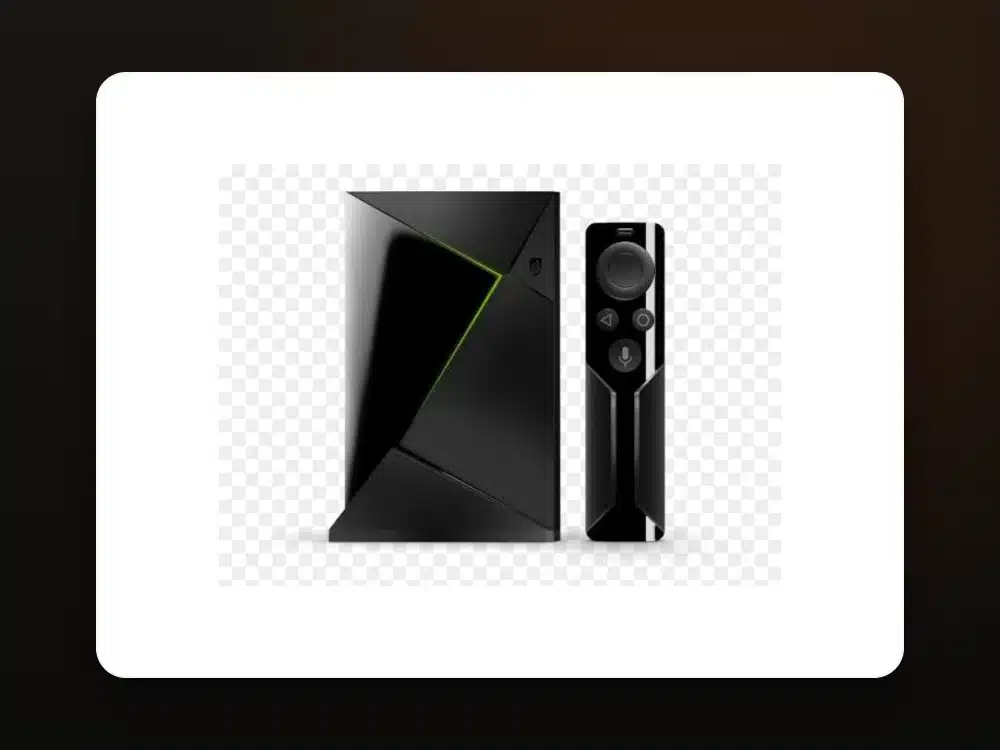 Nvidia Shield · TiviMate
Works on Shield TV and Shield TV Pro (all generations).
On your Shield home screen, open the Play Store and search for "TiviMate" or "IPTV Smarters Pro".
Install directly — no sideloading needed on the Shield.
Open the app, pick Xtream Codes / playlist, and enter the details we send you.
All 25,000+ channels, movies and the EPG import automatically in 4K.
Enjoy buttery 4K playback with Dolby audio on your Shield.
You're doneTiviMate gives the best guide and 4K playback; IPTV Smarters Pro is the simplest. Both are on Google Play.
Yes — the Shield is one of the best 4K streamers, with Dolby Vision/Atmos where the source provides it.
No. The players install straight from the Play Store on Android TV / Shield.
Both work. TiviMate is fully navigable with the Shield remote.
Message us and we'll set up your Shield with you — plus a free 24-hour trial.
Get Setup Help on WhatsApp