
Stream on any iPhone or iPad with the free IPTV Smarters Pro app from the App Store. Log in with the details we send and take all 25,000+ channels on the go.
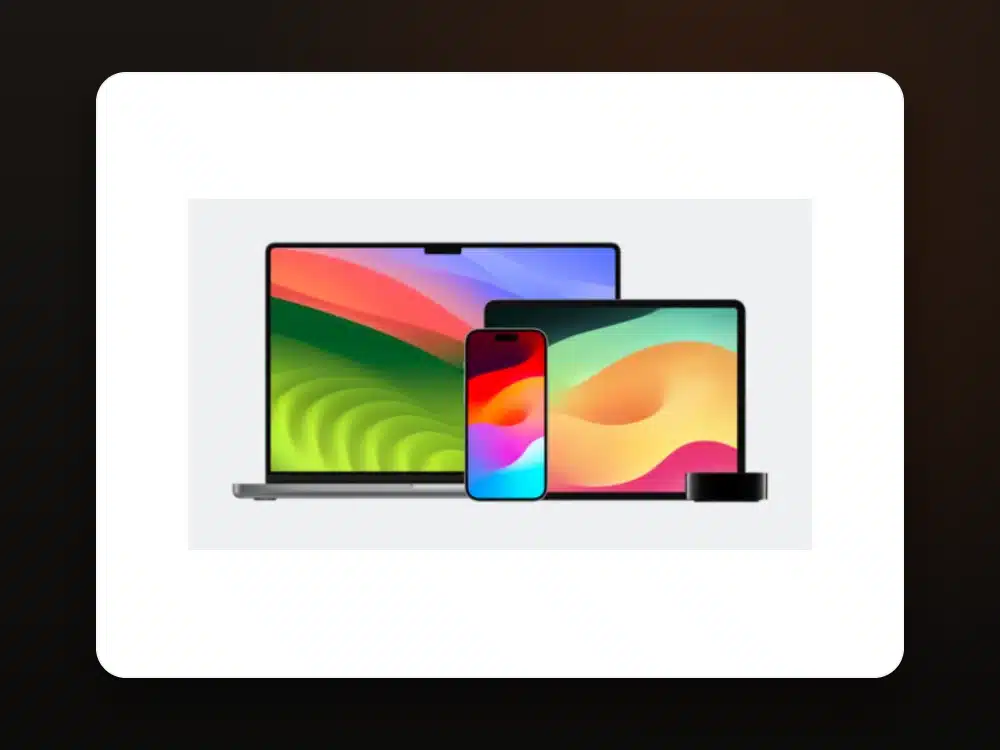 iPhone & iPad · IPTV Smarters
Works on any iPhone or iPad running a recent version of iOS / iPadOS.
Search for "IPTV Smarters Pro" or "Smarters Player Lite" and install it — both are free.
Open the app and pick "Login with Xtream Codes API".
Type the username, password and URL we send you on WhatsApp, then add.
All 25,000+ channels, movies and the EPG import automatically.
Stream live TV, sports and movies in HD on your iPhone or iPad, anywhere.
You're doneIPTV Smarters Pro is the most popular and supports Xtream Codes login and casting to Apple TV / AirPlay.
Yes — play a channel and AirPlay it to any Apple TV or AirPlay-compatible TV.
The players are free to download. Some offer an optional in-app unlock, but the free version works with our service.
Yes, the same login works across your iPhone and iPad. Add a connection to watch two devices at once.
Message us and we'll set up your iPhone or iPad with you — plus a free 24-hour trial.
Get Setup Help on WhatsApp